The night before a storm — a checklist for your shop
September 27, 2026 · Kasenso · 7 min read
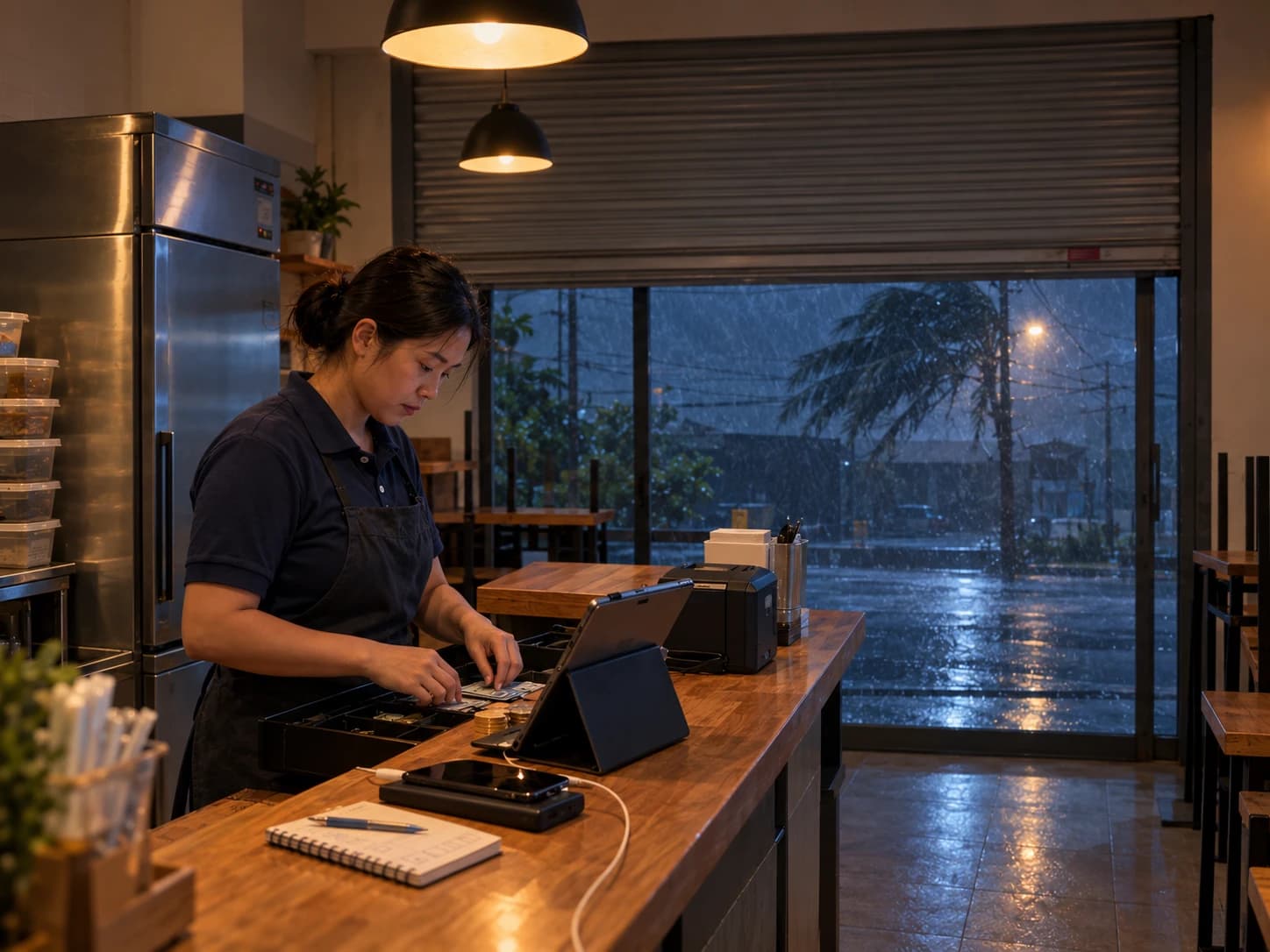
The warning comes through on the radio or a group chat in the afternoon: the storm lands tomorrow, maybe overnight. Every owner in a storm belt knows the next part. You serve the evening, you close, and somewhere between wiping the counter and pulling the shutter you try to remember everything that went wrong last time.
Most of what goes wrong in a storm is not the storm. It is a tablet on 12% battery when the power goes, a chiller full of marinated chicken with no electricity behind it, a drawer with no small notes when the card terminal cannot reach the bank. None of those are bad luck. They are things that were decided, or not decided, the night before.
So here is the night-before list, in the order it matters. It takes about half an hour, and you will do most of it at the counter while the last tables finish.
1. Decide now: open, open short, or closed
Everything else on this list depends on this one answer, and making it at seven in the morning with the wind already up is how shops end up half-open with no staff and full prep.
Three honest options:
- Open as normal — the storm is passing to one side and your street does not flood.
- Open short — a smaller menu, fewer hours, one or two people. Usually the right call, and usually the most profitable one, because people who are stuck at home still eat, and the shops around you are shut.
- Closed — the road floods, staff cannot get in safely, or the storm is coming straight at you.
No sale is worth a staff member stuck on a flooded road on the way home. If you cannot get everyone home before the worst of it, that is your answer.
Whatever you pick, tell the staff tonight, not tomorrow.
2. Charge everything that runs the counter
When the power goes, the shop runs on whatever was charged last night. Plug in:
- The tablet or phone you take orders on.
- The receipt printer, if it is a battery Bluetooth one.
- A power bank, and the cable that actually fits the till.
- The card terminal, if you have one — though see step 4.
Then leave the till signed in. A device that is already signed in keeps selling through an outage, printing receipts and holding orders until the signal comes back. A device that needs to sign in fresh needs the internet to do it, and the internet is the first thing to go.
3. Know the one thing not to do tomorrow
If you trade through the storm and the connection drops, a banner at the top of the screen tells you the till is offline. Orders are still being taken — they are held on the device and upload themselves once the signal returns.
Which means the one thing nobody should do while that banner is showing is clear the app data, uninstall, or reset the device to "fix" it. Those held orders exist nowhere else yet. If a tablet misbehaves mid-outage, leave it alone and take orders on a second phone.
Tell whoever is on the till tomorrow. It is a ten-second conversation that saves a day of sales.
4. Get cash ready for a day without cards
When the signal drops, card payments and e-wallets usually go with it. The customers who come out in a storm pay cash, and they pay with whatever notes they have at home.
Two things to sort at close tonight:
- Leave a proper float, in small notes and coins. The customer paying for a meal with a large note on a day nobody has change is a sale you will lose.
- Take the rest out of the till. Record it as cash taken out at shift close so it does not disappear into "the envelope" with no record. A shop that may flood or be left empty overnight is a bad place to leave a full drawer.
5. Look at the chiller and prep short
The expensive loss in a storm is rarely the missing sales. It is the stock that spoils when the power is out for eight hours — and it is quiet, because spoilage never appears in your sales report at all.
Tonight:
- Do not marinate or pre-cook tomorrow's full batch. Prep for the day you are actually going to have, which is smaller.
- Move what can be frozen into the freezer, and keep the doors shut. A full freezer holds its cold longer than a half-empty one.
- Cancel or postpone tomorrow's delivery if the supplier has not already.
- Know what you have. A quick look at your inventory tonight is the number you will compare against after the storm, when you are deciding what is still safe to sell.
If you know from your own rainy days which dishes hold up in bad weather — the hot, filling, cheap things usually do — make those the short menu. They are also the ones that forgive a late start.
6. Tell customers what is happening
The worst version of a storm day for a shop that stays open is that nobody knows it is open. The worst version for a shop that closes is a customer who walked through the rain to a shutter.
If you are closed, say so on your page tonight — and switch off Accept Online Orders under Settings → Online Store, so nobody places an order you are not there to cook.
If you are open, post it: the hours, the short menu, and how to order. KAISHA can draft the post from what actually sells if the writing is what stops you. Write it tonight while you still have signal, and post it the moment you open.
7. Take a backup
This one takes a minute and is the step everyone skips. Under Settings → Data & Backup, Export Full Backup writes your business data to a file. Email it to yourself, or put it anywhere that is not the tablet on the counter.
Kasenso keeps your data in the cloud, so a tablet lost to a flood is a tablet, not your business. But a backup is cheap, a storm is exactly the kind of day a device goes missing, and anything a device was still holding offline is only safe once it has synced — which is why step 3 matters.
The morning after
When it has passed and the signal is back, before anything else:
- Wait for the banner to go green. Check POS → Daily Sales matches the orders you actually served, then close the shift. Counting the drawer against a second device that has not finished syncing gives you a shortage that is not real.
- Record what you threw out. Everything that spoiled in the outage goes in as wastage, with the reason. That is the real cost of the storm, and it is the number that tells you how much less to prep next time.
- Correct the weather if it was wrong. The automatic reading is regional, and it can say "rain" about a day your street was under water. Set it right in the Manager's Daily Report so the day counts properly when you compare storms later.
Keep the list
Storm seasons repeat, and so do the mistakes. Screenshot this, or write your own version on the inside of the stockroom door, and add to it every time something catches you out. The owners who come through storm season well are rarely the ones with the best luck. They are the ones who did the boring half-hour the night before.
For what the rest of a wet season does to your takings — which dishes rise, which fall and where the rush moves — read what bad weather really does to your sales.
Kasenso keeps taking orders when the power and the signal go, and puts them where they belong once they come back. The free plan is a real plan, not a trial that flips to a subscription.