The Facebook post you keep meaning to write
September 14, 2026 · Kasenso · 7 min read
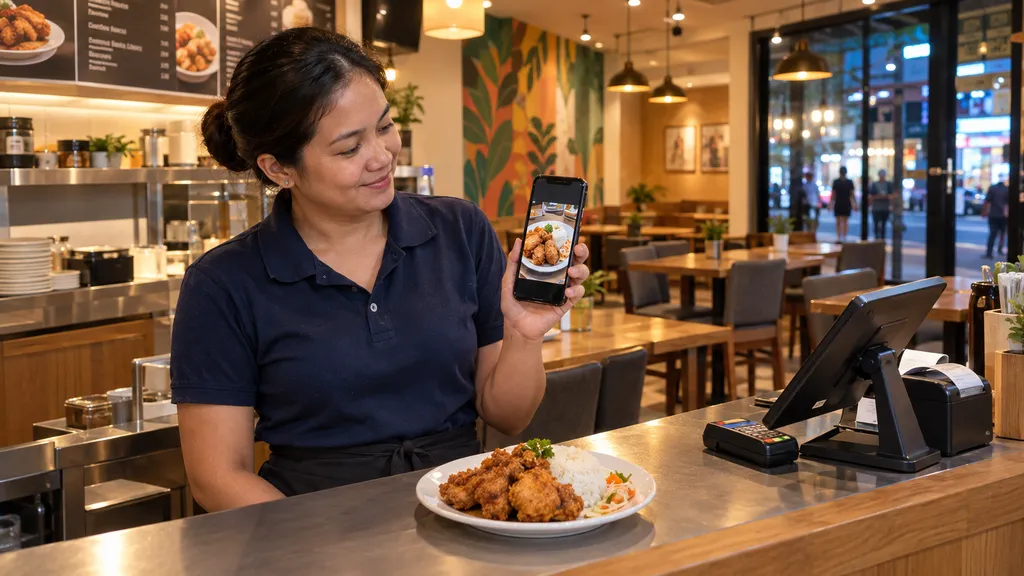
It is nine at night. The last customer left twenty minutes ago, the trays are soaking, and you are sitting on a stool with your phone open on the Facebook composer. The cursor blinks. You put the phone down, tell yourself you will do it tomorrow, and three weeks later the last thing on your page is a photo of a tarpaulin from the opening.
Almost every shop owner has this exact evening on repeat. It is worth being precise about why, because the usual explanation — "I have no time" — is not quite it. Writing a caption takes ninety seconds. What takes the time is everything before the caption: deciding what to post about, deciding whether anyone cares, finding a photo, and second-guessing whether "Good evening po, open pa kami" sounds like a real business or a desperate one.
That is two blank pages, not one. Kasenso fills the first one from your own sales, and KAISHA — the AI marketing assistant — fills the second.
Facebook is your storefront, whether you maintain it or not
In most of the country, a customer deciding where to eat does not search Google. They open Facebook, type your shop's name or the name of the barangay, and look at what comes up. What they find is a cover photo from last year and a post from February.
They are not judging your writing. They are checking whether you are still open. A page that has gone quiet for a month reads as a shop that closed, and that reading costs you customers who were actively trying to give you money.
The bar here is much lower than owners think. You do not need a content strategy. You need proof of life twice a week, attached to something you actually sell.
Step one: stop choosing the subject yourself
This is where most posting attempts die. You open the composer with no idea what today's post is about, so you write nothing.
Your POS already knows the answer. If a hundred and forty orders went through today, the thing that sold best is not a matter of opinion — it is a number, and it is sitting in your sales report.
KAISHA reads that directly. Pick All products — let KAISHA pick, ground it in the last 7 days, and it builds the post around what your customers are already buying. That matters more than it sounds: a post about your genuine best seller is a post about something you have stock for, the kitchen can cook fast, and the neighbourhood has already decided it likes.
There is a second setting worth knowing — the week before that. It surfaces what used to sell and has since faded: a dish that was moving thirty a day in July and is doing eight now. That is usually not a menu problem, it is an attention problem, and it is the best candidate for a post you will find all week.
Switch sales data off entirely for anything that is not about a product — holiday greetings, a change in opening hours, hiring a kitchen helper.
Step two: the caption, in your own voice
Once the subject is settled, the caption is fast. You choose the tone, and you can type anything into the custom topic box — that field is where the useful instructions go.
Two things separate a draft you can use from one you delete:
- Say the language. If your customers read Tagalog or Taglish, ask for it outright. "Taglish, friendly, short" produces something that sounds like your shop. Leaving it to be inferred produces something that sounds like a brand.
- Be specific. "Rainy afternoon, promoting hot soup, short and warm" is a brief. "Make a post" is not.
You get several drafts at once. Cut most of them — ideas are cheap, and posting all four in one day is worse than posting one. The rest are kept under Earlier ideas, so nothing you liked but did not use is lost.
Step three: the picture
If you have just plated something and taken a shot, attach it. KAISHA writes the caption about what is actually in the photo rather than about your menu listing, and it is instructed to describe only what it can see — no invented garnish, no side dish that is not on the plate, no price that is not yours. The photo is shrunk on your phone before it goes anywhere, so a 2 MB shot travels as about 200 KB, which matters on a counter connection.
If you have no photo, every draft comes with a ready-made image prompt you can paste into Gemini or ChatGPT to get one.
One warning, and take it seriously: a generated picture is an illustration. A customer who orders because of the photo expects the food to look like the photo. Use a real shot of your real food wherever you possibly can, and keep generated images for backgrounds and mood.
Step four: getting it into Facebook
This is the part that usually breaks in other tools, so it is worth being plain about how it works here.
Every draft has two buttons.
Share opens your phone's share sheet. Pick Facebook — or Messenger, or Viber — and the composer opens with the post ready for you to tap Post. On a Windows or Mac computer the share menu does not list Facebook at all, so there you will only see Copy.
Copy puts the title, caption and hashtags on your clipboard, to paste wherever you want them.
There is one rough edge that is not ours to fix: some versions of the Facebook app open the composer empty when another app hands them a caption. So Kasenso copies the caption to your clipboard whenever you tap Share as well. If the box comes up blank, press and hold, then paste. Nothing is lost between the two apps.
Once a draft has gone out it is marked as used, so next week you can see at a glance which ideas are already live on your page.
Nothing posts by itself, and that is deliberate
KAISHA will not publish to your page for you. It drafts, you read, you tap Post.
That is a design decision rather than a missing feature. Your name is on the post, the prices in it are your prices, and the promises in it are promises your kitchen has to keep. An AI draft is a starting point, not a fact-checked statement about your business — which is why three things are worth checking on every draft before it goes out:
- The price, against your own menu.
- Availability, against your stock. Promoting something you will run out of by noon creates more annoyed customers than no post at all.
- Promises — delivery times, opening hours, "available all day".
A rhythm that survives a busy week
Do not try to post daily. Nobody running a shop sustains that, and the attempt is why most pages go silent.
Generate a batch in one sitting once a week, on your slowest afternoon. Keep two or three, edit them properly, and space them out. A batch made in one sitting is the only kind that reliably gets posted, and on a local page consistency beats polish every time.
If the posts start bringing in orders, send them somewhere better than a Messenger thread you have to read between plates. Your online store gives customers a real order form, and quietly builds a customer list while it does it.
Why this beats a generic caption generator
You can get captions out of any chatbot for free. What you cannot get out of one is the thing that makes a post work: knowledge of what your shop actually sold this week, to your actual customers, in your actual barangay.
A generic tool guesses at a plausible best seller. Kasenso knows the real one, because it rang up every order. That is the whole difference between a post that sounds like a restaurant and a post about your restaurant.
KAISHA is part of Kasenso Premium. The POS itself — orders, inventory, staff, reports — is free forever for shops in the Philippines.
And if you are posting because sales have gone quiet, what to do when sales are slow works through the causes a caption cannot fix.