When to reorder stock — how a small shop stops running out without overbuying
October 18, 2026 · Jott Myth · 10 min read
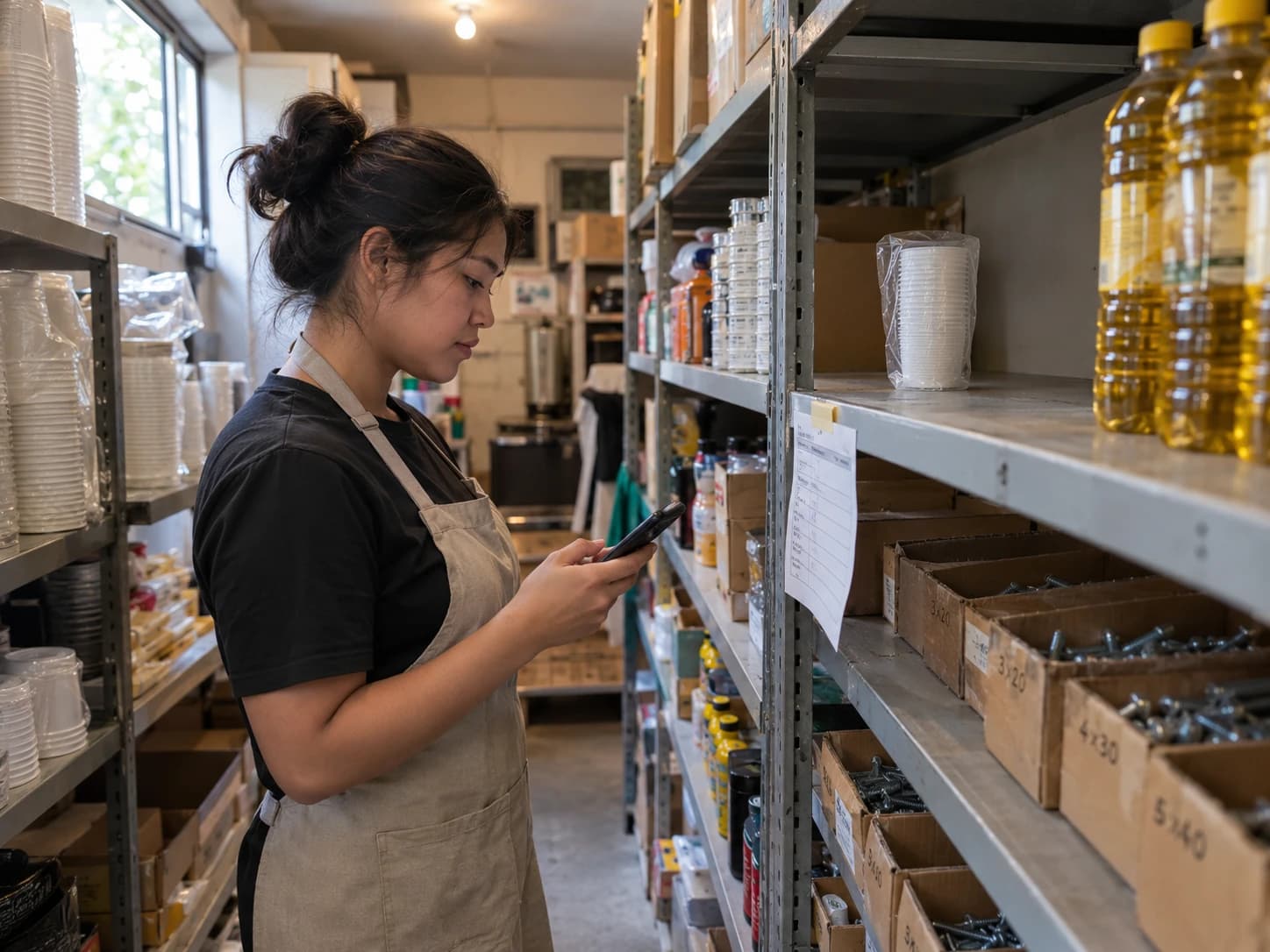
It is Saturday, half past twelve, the busiest hour of the week, and somebody opens the last sleeve of takeaway cups. The supplier delivers on Tuesday.
Or it goes the other way. A contractor walks into your hardware store for twenty boxes of screws, and you have three. Meanwhile there are $400 of paint rollers in the back that nobody has asked for since March.
Both are the same mistake. The order went in when somebody noticed, not when the numbers said it was time. Here is how to work out that number for every item, and why it is less arithmetic than it sounds.
When should a small shop reorder stock?
Reorder when the stock you have left would only just last until a new delivery arrives, even if every day until then were your busiest. That level is your reorder point: busiest-day use × days until delivery. A café that uses up to 95 cups on a Saturday and waits two days for a delivery reorders at 190 cups.
The two numbers you need
How much you use on a busy day. Not your average day, your busy one. If the order goes in on Friday and the delivery lands on Sunday, the stock has to survive Saturday. Planning on the average means running out on exactly the days that matter most.
How long a delivery takes. Count from the moment you place the order to the moment the goods are on your shelf and usable. Not the supplier's promise, what actually happens. A supplier who says "next day" but only delivers on Tuesdays and Fridays has a lead time of up to four days if you order on a Friday afternoon.
Multiply the two and you have the reorder point:
Reorder point = busiest-day use × lead time in days
That is it. It already contains a safety buffer, because it assumes every day is a busy one and most of them are not.
How do I work out a reorder point? Four examples
| Item | Busiest day | Lead time | Reorder at |
|---|---|---|---|
| Takeaway cups (café) | 95 cups | 2 days | 95 × 2 = 190 cups |
| Chicken (restaurant) | 18 kg | 1 day | 18 × 1 = 18 kg |
| Cooking oil (food stall) | 6 L | 3 days | 6 × 3 = 18 L |
| 2-inch screws, box of 100 (hardware store) | 5 boxes | 5 days | 5 × 5 = 25 boxes |
Two adjustments are worth making by hand.
If the supplier is sometimes late, add the lateness. A screw distributor that runs a day or two behind once a month needs 5 × 7 = 35 boxes, not 25. Being late sometimes is the case to plan for, because sometimes always comes.
If it spoils, the shelf decides, not the formula. Raw chicken keeps a day or two in a fridge. If your reorder point is more than you can use before it goes off, padding it only turns stockouts into wastage. The fix there is a shorter lead time, a daily market run or a second supplier, not a bigger order.
How much should I order each time?
The reorder point tells you when. The order size is a separate question: enough to last until the next order you would normally place, at your normal pace.
Order size = average-day use × days between orders
The café uses 60 cups on an average day and orders once a week, so it orders 60 × 7 = 420 cups, rounded up to the supplier's pack size. Sold in sleeves of 50, that is 9 sleeves, 450 cups.
Ordering less often looks easier, and it costs you in a way that does not show on any receipt. At $0.12 a cup:
| Order every | Cups per order | Money on the shelf after delivery |
|---|---|---|
| Week | 450 | 450 × $0.12 = $54 |
| Month | 1,800 | 1,800 × $0.12 = $216 |
The $162 difference is not lost. It is just not available, for wages or rent or a supplier who wants paying on delivery, and it takes up storage space while it waits. Multiply that across every item in a storeroom and the gap is often a month's rent.
The case for ordering less often is a delivery fee or a minimum order. If the supplier charges $10 a delivery, weekly ordering costs $40 a month in fees and monthly ordering costs $10. Whether $30 a month is worth keeping $162 free depends on how tight your cash is. In a shop's first year, it usually is.
Why do I keep running out even though I order every week?
Ordering on a fixed day with no reorder point means each order is a guess, and a busy week beats the guess. Beyond that, the causes are usually these, roughly in order of how often they turn out to be the answer:
- The threshold is a round number. "Order when we're down to 100" was set once, from a feeling, and nobody updated it when the menu or the trade changed.
- The lead time is the supplier's promise, not the real one. Measure the last four deliveries from order to shelf.
- The count is wrong. A delivery entered three days late, or packaging that nobody deducts, means the stock figure you are checking against is fiction.
- Wastage is not recorded. Spilled oil, a dropped tray, a damaged box. Each one leaves the shelf without leaving the count, so the count runs high and the order goes in late.
- Something new uses the same stock. A new dish that also uses chicken, or a promo that doubles cup sales, changes the busiest day without anyone changing the reorder point.
Three of those five are about the stock count, not the order. A reorder point is only as good as the number you check it against.
How do I find my busiest-day use?
From your own sales, not from memory. Look at the busiest day in the last four weeks rather than the busiest day you can remember, because memorable days are usually the strange ones.
In a food business, the ingredient a dish uses is only counted if the dish has a recipe. With recipes set up, Kasenso takes the ingredients off stock as each sale is made, and Inventory → Daily Item Activity shows each item's day as used from sales, restocked, wasted, and net change. The highest "used" figure on your busiest weekday is the number you want. See track inventory and stock levels.
In a retail shop, each product keeps its own count, and Reports → Top 10 Selling Products shows how many of your best sellers went in a period. For a single item, set the report to your busiest day. See retail mode and reading your sales reports.
Without a POS, count the shelf at closing two days in a row and add anything delivered in between. Do it on your busiest day of the week. It takes five minutes for the ten items that matter, and those ten are where to start anyway.
Which items need a reorder point?
Not all of them, at least not at first. Start with:
- Anything that stops a sale when it runs out. Cups, lids, the main protein, the gas, the best-selling product on the shelf.
- Anything with a long lead time. An imported item, a supplier that delivers weekly.
- Anything you have run out of in the last month. It has already told you.
The paint rollers in the back need the opposite treatment. Sort your stock by when it was last restocked, and anything nobody has bought more of in two months is money that is not coming back by itself. Sell it down, and order it smaller next time or not at all.
Setting reorder points in Kasenso
Kasenso holds the reorder point on each item and warns you when stock reaches it.
- Ingredients: set Low Stock Threshold on the item under Inventory. At or below it, the item shows LOW STOCK.
- Retail products: set Low at in the product's Track stock panel. At or below it, the product shows REORDER on the Inventory screen, and its tile on the till turns orange.
- Lead time: record each supplier's delivery days and minimum order in the supplier's notes under suppliers and restocking, so whoever places the order knows how far ahead to order.
- Dead stock: sort ingredients by Least Recently Restocked to find what nobody has bought more of in months. Total Stock Value (or Stock value at cost in retail) shows what is tied up on the shelves.
Kasenso warns; it does not place the order. You still call, message or visit the supplier the way you do now, only earlier.
When should I change a reorder point?
Look at them once a month, and straight away whenever:
- a new dish or product uses the same stock,
- you run a promo that sells more of something,
- the season changes what sells (cold drinks in summer, soup in the rain),
- a supplier changes its delivery days, or
- you ran out anyway. A stockout means the point was too low, and it is the most useful thing that can happen to it.
Frequently asked questions
What is a reorder point?
A reorder point is the stock level that tells you to place an order. When what you have left falls to it, you order, and the delivery arrives before you run out. It is worked out per item from how much you use on a busy day and how many days a delivery takes.
How do I calculate a reorder point for a small shop?
Multiply the most you use of an item on a busy day by the number of days a delivery takes. A café using up to 95 cups on a Saturday, with a two-day delivery, reorders at 95 × 2 = 190 cups. If the supplier is sometimes late, add the extra days.
What is safety stock?
Safety stock is extra stock kept to cover a busy day or a late delivery. Using your busiest day instead of your average day in the reorder point already includes it: the difference between the two, over the delivery time, is your buffer. Add more only for a supplier who is sometimes late.
How much stock should I order at a time?
Order enough to last until your next regular order at your normal pace: average daily use × days between orders. A café using 60 cups a day and ordering weekly orders 420 cups, rounded up to the supplier's pack size. Ordering less often ties up more money on the shelf.
How often should a small shop reorder?
As often as the supplier's fees and minimum order allow. Weekly is common for dry goods and packaging, daily or every other day for fresh food. Ordering more often keeps less money tied up in stock, but each delivery may carry a fee, so compare the two.
Why does my shop keep running out of stock?
Usually because the reorder level was set once from a guess, the real delivery time is longer than promised, or the stock count is wrong from late deliveries and unrecorded wastage. Check the stock count first. A correct reorder point does nothing if the count it is compared with is wrong.
Can Kasenso tell me when to reorder?
Yes. Set a Low Stock Threshold on each ingredient, or Low at on each retail product, and Kasenso flags it as LOW STOCK or REORDER when stock falls to that level. Sales take stock off as they happen. Kasenso does not send orders to suppliers; you still order the usual way.
How much does stock tracking in Kasenso cost?
Nothing. Inventory, recipes that take ingredients off stock, retail stock counts, low-stock warnings and supplier records are all on the free plan, with no card and no time limit.