What a salon or barbershop needs from a POS
November 1, 2026 · Jott Myth · 13 min read
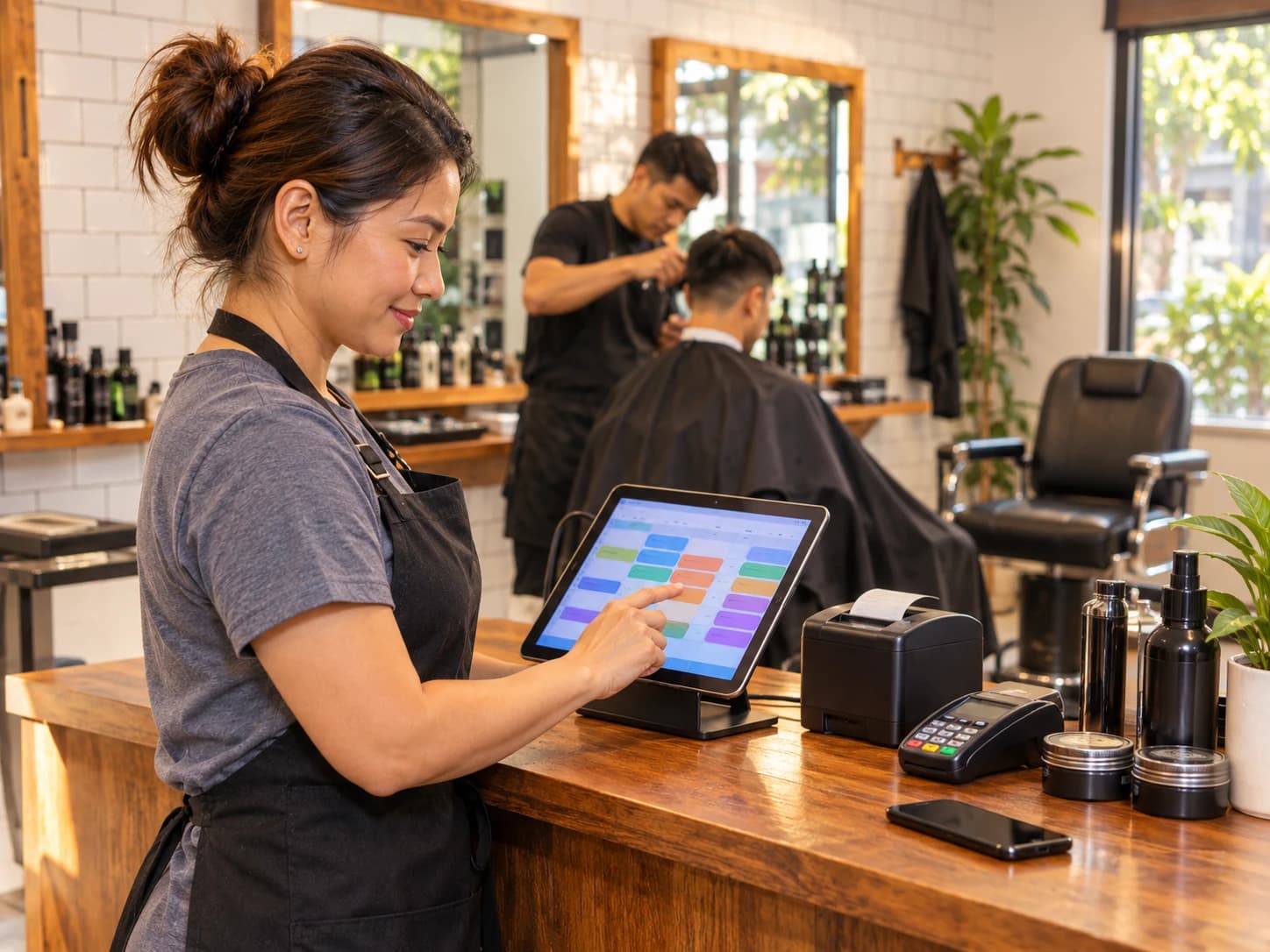
Most tills were built for a shelf. A customer brings a bottle to the counter, one bottle comes off stock, and the sale is done. That works for a corner shop, and it is close enough for a café.
A barbershop has no shelf worth counting. What it sells is a chair and the time someone spends in it. The thing that runs out is the 2:30 slot on a Saturday, and nothing on a stock screen will tell you that you've lost it.
What does a salon or barbershop need from a POS?
A salon or barbershop needs a POS that sells time, not stock. That means a booking calendar for each chair or stylist, services with prices that change with length or duration, commission worked out per person after discounts, tips kept apart from sales, and notes on each client. It should also count the products you sell, like shampoo or pomade.
Why doesn't a shop POS fit a salon?
A shop POS assumes that what you sell is sitting somewhere, waiting to be counted. Every product gets a stock number, and a product with no stock looks like a mistake. Add Men's haircut to one and it either complains that you have none left or counts down to minus four hundred by the end of the month.
The bigger gap is what a shop POS leaves out. It has no idea who did the cut, so it can't work out what that person earned. It has no calendar, so the appointment book lives in a paper diary or a messaging app beside the till. And it treats a tip as more sales, which makes your sales, your profit and any tax on them too high.
None of that is a fault in the software. It was built for something else.
Your appointment book is your stock
A salon's stock is its hours. An hour that passes with an empty chair is gone for good, the way bread that goes stale is gone in a bakery.
Do the sums for a small barbershop. Three barbers do $25 cuts, one every 30 minutes. Two clients a day who book and don't turn up cost:
- 2 × $25 = $50 a day
- $50 × 26 working days = $1,300 a month
That is a month's rent for many small shops, lost without a single sale going wrong at the till.
So a salon POS needs the book built in, not beside it. In Kasenso, Bookings is a calendar with a column for each person on your team. A booking blocks as long as its services take: a 45-minute colour and a 30-minute cut block 1 hour 15 together. When the client arrives you tap Arrived, and when they're done, Check out at the till opens the sale with the services, the stylist and the client already in it. Nothing is typed twice.
If you book someone over a client who is already in that person's chair, Kasenso names who is booked and the button changes to Book anyway. A double booking happens only when you choose it.
What helps with no-shows?
Three things, and a POS can help with all of them:
- A reminder. Kasenso emails the client a confirmation when they book online, and a reminder about a day before every booking, as long as the client has an email on their record. Reminders go by email, not by text message.
- A deposit. For online bookings you can ask for a percentage or a fixed amount. On a $75 colour, 20% is a $15 deposit. The client sends it to one of your online payment accounts, and you tap Mark received when it arrives. Kasenso doesn't charge cards, so the deposit is the client's money paid ahead, not a card on file.
- A record. Tap No-show when someone doesn't come. The client's page counts how many bookings they have missed, so you can see the regular who misses one in three before you hold another Saturday slot for them.
How should a salon POS work out commission?
Commission should be paid on what the client actually paid, after discounts, at the rate that applied on the day. Anything else pays staff on money the shop never took.
Take one bill: a $40 cut by Sam, who is on 50%, and a $60 colour by Lena, who is on 40%. The client has a 10% discount on the whole bill, $10 off.
| Sam | Lena | |
|---|---|---|
| List price | $40 | $60 |
| Share of the $10 discount | $4 | $6 |
| Paid by the client | $36 | $54 |
| Commission | 50% × $36 = $18.00 | 40% × $54 = $21.60 |
Paid on the list price instead, Sam would get $20.00 and Lena $24.00. That is $4.40 more than the shop earned on this one bill. Over a few hundred bills a month, it adds up to real money.
In Kasenso you add each person under Staff → Team & commission with their rate, and the till asks Who did this? on every sale. Tap one name for the whole visit, or pick a person on each line when two people shared it. Reports → Team then shows each person's items, sales and commission for any dates you choose, like the 1st to the 15th for a twice-monthly payroll.
A few details matter here:
- Stylists don't need a login. A team member is a name and a rate, not an account. The receptionist rings up every sale and picks the barber by name.
- A rate change isn't backdated. Move Lena from 40% to 45% on the 15th and the first half of the month is still paid at 40%.
- A refund takes the commission back. It comes off on the day of the refund, at the rate of the sale it reverses.
- No one at the till can raise their own rate. A sale can carry the person's current rate or less, never more.
Why tips have to stay out of your sales
A tip is the stylist's money, not the shop's. If the till adds it to sales, your sales, your profit and any tax you work out on them all come out too high.
At checkout, Kasenso offers None, 10%, 15%, 20% or Other, and keeps the tip apart from the sale. It never counts as sales or profit, and no tax is charged on it. A cash tip stays in the drawer, so closing the shift expects it there as Cash tips and your count still balances. Reports → Team shares each tip between the people on that bill by their part of it. A $9 tip on the bill above gives Sam $3.60 (40%) and Lena $5.40 (60%).
Remember every client without a notebook
"Same as last time" only works if someone remembers what last time was. A regular expects you to know their colour formula, the barber they ask for and the scalp product they can't use.
In Kasenso, each client in Clients keeps a phone number and email, Notes for the team, and every visit they were picked for: what they had, who did it and what they paid. Pick the client at the till and their notes and last visit show above the order. Pick them for a booking and the notes show there too, so you see "allergic to latex" before you book the treatment.
Prices that change with length, time or size
A women's cut isn't one price. It's $35 short, $45 medium and $55 long. A massage is $50 for 30 minutes and $85 for 60. A shop POS handles this by making each one a separate product, and the receptionist scrolls past Haircut Long, Haircut Medium and Haircut Short while the client waits.
In Kasenso, each of these is one service with options, each with its own price. The cashier taps Women's haircut, picks Long, and your reports still show how many of each length you sold. A package, like a cut and blow-dry at one price, is set up the same way and can be booked for as long as its services take together.
You can also enter what each service uses up, like $12 of colour on an $80 colour service, so your reports show the $68 it really made.
You sell products too
Most salons have a shelf after all: shampoo, conditioner, pomade, nail polish. Those do need counting. In Kasenso, a product you sell off the shelf gets a stock count when you add it, each sale takes one off, and the Stock screen warns you when it runs low. A haircut and a tub of pomade go on the same bill, and only the pomade comes off stock.
Let clients book themselves
Many clients would rather book at 11 at night than call during opening hours. If you have an online store, switch on Take bookings on your online store under Settings → Bookings. Your store page then lists your services with a Book button on each.
The client picks the services, a stylist or Anyone available, a day and one of the free times, then leaves a name and a phone number or email. Only times that are really free are offered: inside your hours, at least an hour away, and clear of that person's other bookings. The booking lands on your calendar with a globe mark, and the client is added to Clients, or matched to the record you already have.
Questions to ask before you choose a salon POS
Whatever system you look at, ask the seller to show you these on the screen:
- Is there a booking calendar with a column for each stylist or chair?
- Can a booking be checked out at the till without typing the services again?
- Can one service have different prices for short, medium and long, or for 30 and 60 minutes?
- Is commission worked out after discounts, and does a rate change leave past sales alone?
- Are tips kept out of sales and shared between the people on the bill?
- Do client notes show at the till when that client is picked?
- Can clients book online, and does it send reminders?
- Can products like shampoo keep a stock count while services don't?
- Does it charge per stylist, per booking or per month? A system that charges per stylist costs more every time you hire.
- Can my receptionist book and check out without seeing reports? In Kasenso, a staff account can have Point of Sale, Bookings and Clients and nothing else.
How do I set up Kasenso for a salon or barbershop?
Most of it is one sitting:
- Pick Services under What do you sell? when you sign up, or under Settings → What You Sell on an existing account. The sidebar shows Services instead of a menu, and recipes and the kitchen screen are hidden. See Services mode.
- Add your services, with their prices, options and how long each takes. A service with no length set blocks 30 minutes.
- Add your products, like shampoo, with how many you have.
- Add your team with their commission rates under Staff → Team & commission.
- Set your hours under Settings → Business Hours. The default is 9:00 to 6:00, Monday to Saturday, and each day can have its own times.
- Switch on online booking if you have a store page, and set a deposit if you want one.
Then book your first client and check them out at the till. KAISHA, Kasenso's marketing assistant, also writes posts for a service business, about how clients look and feel when they leave rather than about products on a shelf.
What Kasenso doesn't do yet
It is better to know before you switch:
- One commission rate per person. You can't pay 50% on colour and 10% on products to the same stylist.
- Reminders go by email only, not by text message.
- No card charges for no-shows. Deposits are paid ahead to your own accounts and marked received by hand.
Frequently asked questions
What is a salon POS?
A salon POS is a point-of-sale system built for businesses that sell time in a chair rather than goods on a shelf. Besides taking payment, it keeps a booking calendar for each stylist, works out commission per person, keeps tips out of sales, stores client notes and history, and counts retail products like shampoo.
Can a barbershop use a normal retail POS?
It can take payments, but it fits badly. A retail POS expects every item to have a stock count, so a haircut looks like a product you have run out of. It has no appointment book, no way to record who did each cut for commission, and it usually adds tips to sales, which makes sales and profit too high.
How much do no-shows cost a barbershop?
More than most owners expect. In a shop where $25 cuts take 30 minutes, two no-shows a day lose $50, which is about $1,300 over a 26-day month. Reminders, deposits on online bookings and a record of who misses appointments are the three ways a POS helps bring that down.
How should salon commission be calculated?
On what the client paid, after discounts. With a 10% discount on a $100 bill, a $60 colour counts as $54, so a stylist on 40% earns $21.60 rather than $24.00. The rate should be the one that applied on the day of the sale, so a rate change never alters past pay.
Should tips count as sales in a salon?
No. A tip belongs to the people who did the work, so counting it as sales makes your sales, profit and any tax worked out on them too high. A salon POS should store tips apart from the sale, expect cash tips in the drawer at closing, and share each tip between the people on the bill.
Can clients book salon appointments online with Kasenso?
Yes. A shop set to Services with an online store can switch on online booking under Settings → Bookings. Clients pick services, a stylist or anyone available, and a free time. They get a confirmation email and a reminder about a day before, and you can ask for a deposit.
Do my stylists or barbers need their own login?
No. In Kasenso, team members are names with a commission rate, not accounts. The receptionist or owner rings up each sale and picks who did it, and every stylist still shows in Reports → Team with their sales, commission and tips.
How much does Kasenso cost for a salon or barbershop?
Kasenso is free, with every feature included: bookings, online booking, clients, commission, tips and stock counts for products. There is no charge per stylist or per booking, and no credit card or contract. See the pricing page for details.
Does Kasenso work for a spa, nail bar or repair shop?
Yes. Services mode is for any business that sells time and skill rather than goods: salons, barbershops, spas, nail bars, massage studios and repair counters. Options work for any price that changes, like duration for a massage or size for a car wash.
The short version
A shop POS is built around a shelf. A salon is built around a chair and a calendar. Run a salon on a till built for a shelf and you lose sight of the things that decide whether it makes money: the hours your chairs sit empty, what each person has earned, and what your regulars like.
Kasenso's Services mode puts the calendar, commission, tips and client notes in the same free till, on the phone or tablet you already have.