Send a receipt instead of printing it
September 23, 2026 · Kasenso · 3 min read
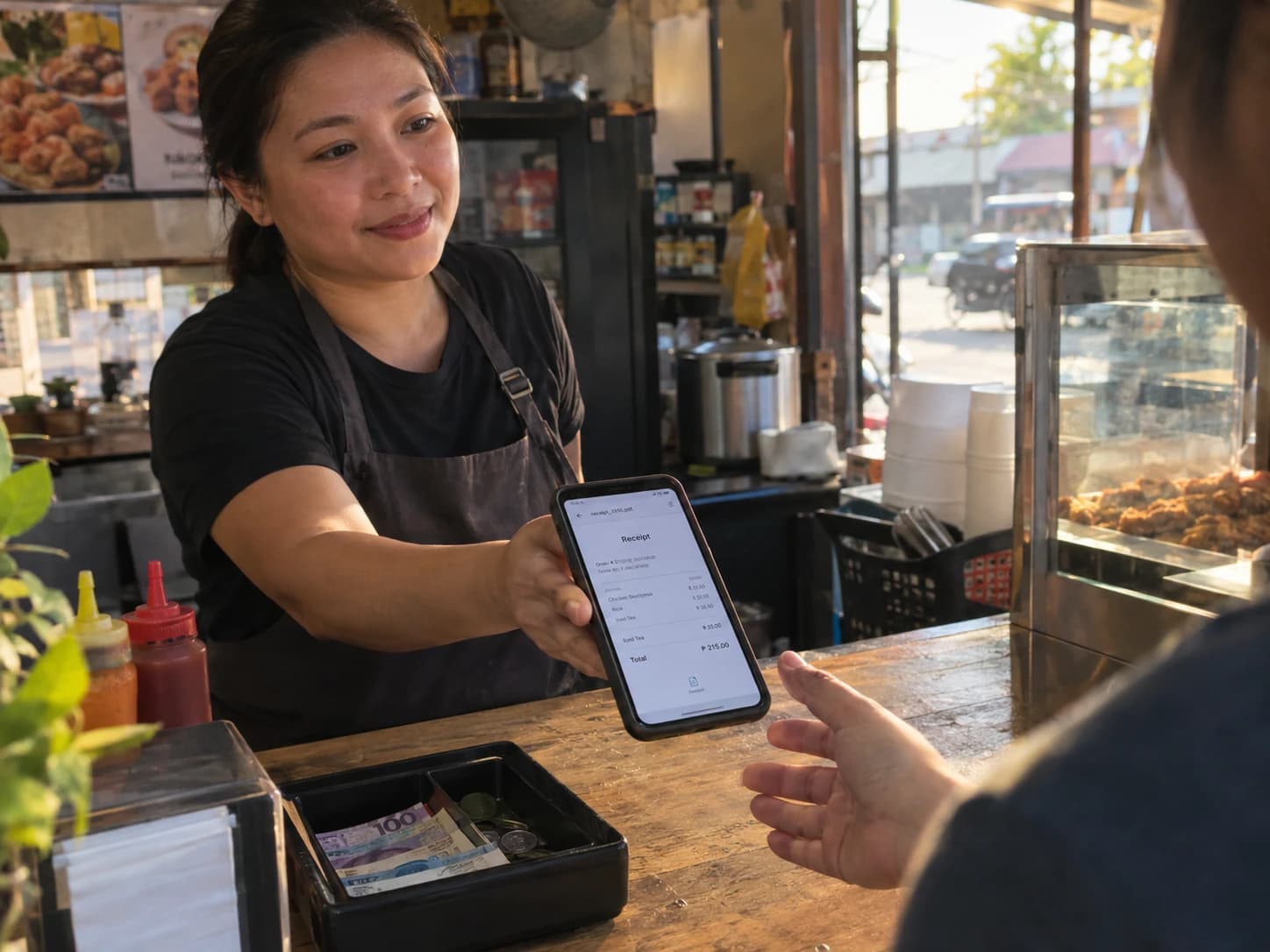
The printer runs out of paper mid-rush. Or it never got paired in the first place, because you are ringing up an order from a laptop in the back office. Or — increasingly — the customer just doesn't want a slip of thermal paper they'll drop in their bag and never look at again.
None of that has to stop the sale. Next to Print on every Kasenso receipt is Send, and it does the same job without a printer anywhere in the picture.
What it actually does
Send builds a PDF of the receipt — the same layout, same lines, same total, same tax label a printed one would carry — and hands it to whatever the device in front of you already knows how to do with a file:
- On the Android app, it opens Android's own share sheet: Messenger, Viber, WhatsApp, Gmail, SMS, whatever the customer already uses. They pick the app, you pick nothing.
- On a phone browser, the browser's share sheet does the same job.
- On a computer, it downloads the PDF, ready to attach to an email or save wherever you keep records.
There's no separate "digital receipt" format to configure. It's the exact document the printer would have produced, just not committed to paper yet.
Why the copy matches
A customer holding a PDF and a shop holding the paper roll should never be
looking at two different documents. Kasenso doesn't generate a second version
for sending — it's the same receipt, down to the order number, the discount
line, and the TEMPORARY RECEIPT stamp if that's how you have it configured.
The one difference is cosmetic: amounts read PHP468.00 instead of ₱468.00,
because that text comes from the printer's own character set, not a font that
can render the peso sign.
That matters more than it sounds like it should. If a customer ever comes back with a question about an order, you want their copy and your copy to say exactly the same thing.
Where this earns its keep
No printer, no problem. A laptop taking phone orders, a second till while the main printer is being cleaned, a new counter that hasn't been set up with Bluetooth yet — Send works from any of them, because it never needed the printer to begin with.
Out of paper mid-shift. The roll runs out, the queue doesn't stop growing. Tap Send instead of walking to the stockroom.
Customers who'd rather not carry paper. Some people genuinely prefer a receipt sitting in their messages, searchable, over a curl of thermal paper that ends up on the floor of their bag. Now that's a tap, not a workaround.
Your own copy, without a download button. There isn't one, on purpose — Kasenso doesn't ask for storage permission it doesn't need. Instead, open the share sheet and choose Save to Files or Drive. Same button, you're just the recipient this time.
A receipt for a sale from earlier today. Open it from POS → Daily Sales and Send is right there, same as it is on a fresh order.
It's not a fallback, it's just the other option
Send isn't there to cover for a broken printer — it's a first-class way to hand over a receipt, and for some counters it's the default rather than the exception. Turn Auto-Print After Payment off for a stall where most customers wave paper away, and Send becomes the everyday path, with the print button still sitting there for the customer who does want the slip.
Bluetooth printing, when you do want paper, is covered in receipts and Bluetooth printing — including how to pair a 58mm or 80mm printer and what each header switch does. Sending a receipt is free on every plan, same as printing.