Margin vs. markup — which one should you use to price your products?
October 1, 2026 · Jott Myth · 8 min read
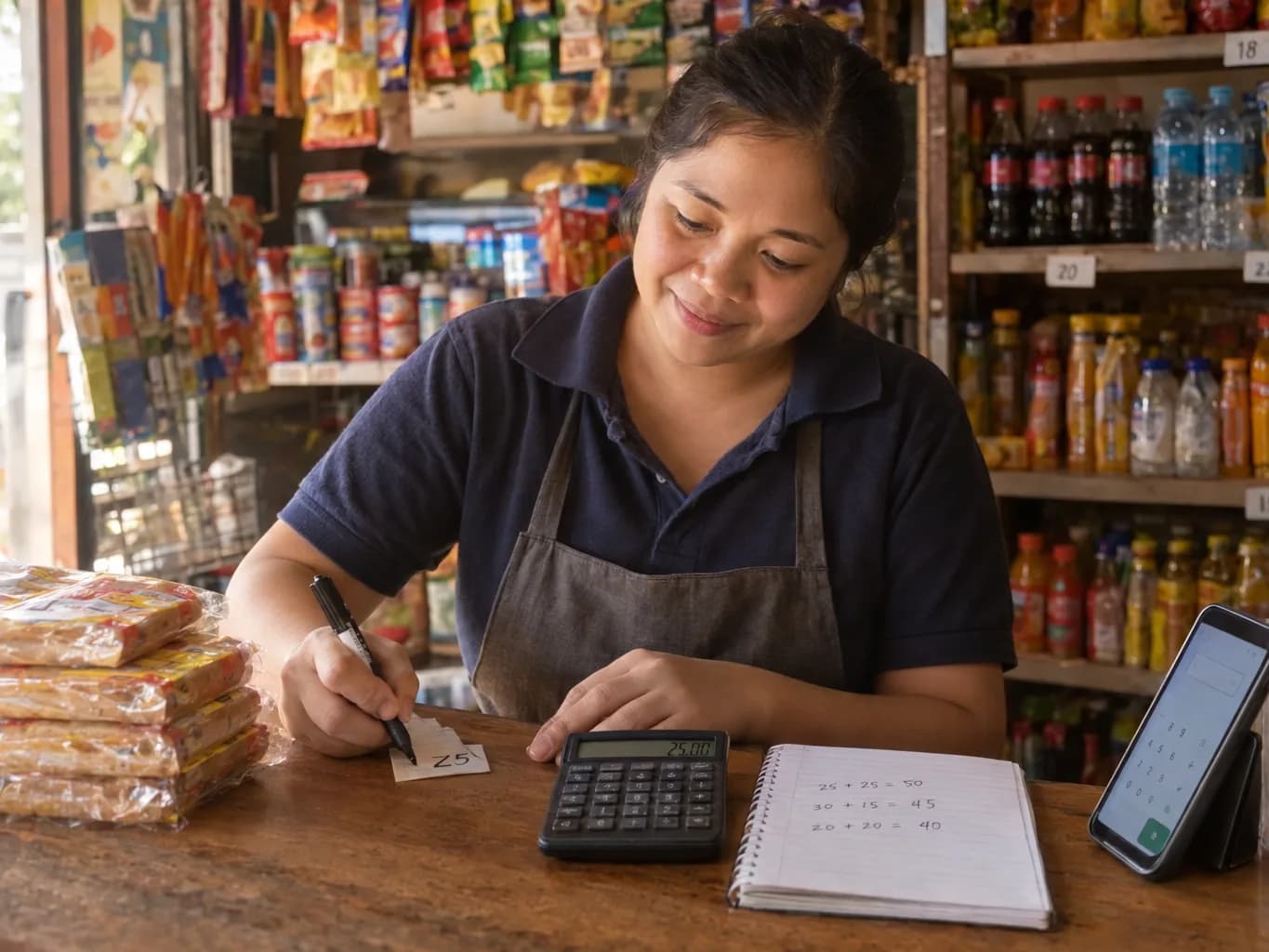
"I add 30% to everything."
It is the most common pricing rule in small business, and it is usually said with confidence. It is also not the same as "I make 30% profit", even though most people hear it that way. The gap between those two sentences is the difference between markup and margin, and getting it backwards is one of the quietest ways a shop ends up earning less than it planned.
The one-line difference
Both describe the same profit. They measure it against different things.
- Markup is profit as a share of your cost. "I add this much on top of what I paid."
- Margin is profit as a share of your selling price. "I keep this much of every sale."
Take an item that costs 10 and sells for 12.50. The profit is 2.50.
- Markup: 2.50 ÷ 10 = 25%
- Margin: 2.50 ÷ 12.50 = 20%
Same item, same profit, two honest numbers. Markup is always the bigger one, because the cost is always smaller than the price.
The mistake that costs you money
Say you want to keep 30% of every sale. You buy something for 10, add 30%, and sell it for 13.
That feels right. It is not. The profit is 3 on a 13 sale, which is a 23% margin, not 30%. To actually keep 30% of the sale you needed to price it at 14.29.
That 1.29 difference looks small on one item. On 500 sales a month it is about 640 you planned on and never saw, on one product, with no sign anything went wrong. The shelf looks fine and the till looks fine. The mistake only shows up as a bank balance that is always a little lower than expected.
Here is how the two measures line up, so you can check any rule you use:
| Markup | Margin you actually keep |
|---|---|
| 10% | 9.1% |
| 25% | 20% |
| 30% | 23.1% |
| 50% | 33.3% |
| 100% | 50% |
| Margin you want | Markup you need |
|---|---|
| 20% | 25% |
| 25% | 33.3% |
| 30% | 42.9% |
| 40% | 66.7% |
| 50% | 100% |
Notice the pattern. At low numbers they are close, so the mistake is small. At high numbers they drift far apart: a "50% markup" keeps only a third of the sale. And a margin can never reach 100%, because that would mean the item cost nothing. A markup can be any size.
Which one should you use?
Neither is better. They answer different questions, so use the one that matches the question you are asking.
Use markup when you are pricing from a cost. You buy at 80, your supplier or neighbours all add about 25%, and you want a price on the shelf in ten seconds. Markup is quick because it starts from the number you have in your hand. It is the natural fit for a shop that resells things it did not make: groceries, drinks, load, phone accessories, hardware.
Use margin when you are thinking about your profit. Margin tells you what you keep out of every sale, which is the question that matters when you ask whether you can afford a discount, a delivery commission, or a rent increase. It is the better choice for:
- Food and drink, where you work backwards from a target (ingredients should be about a third of the price) rather than forwards from a cost. Our guide on how to price your menu uses this.
- Discounts and promos. A 10% discount comes off the selling price, so it takes 10 points straight out of your margin. On a 25% margin that is not a small dent.
- Delivery apps and card fees. A 20% commission is a percentage of the sale, so it only makes sense when compared against your margin.
- Comparing products. Margins let you rank a 2 item against a 200 one on the same scale. Markups mislead, because a cheap item with a big markup can still earn less per sale.
If you want one habit: price from cost with markup if it is quicker, then check the margin before you commit. The number you plan around is always the margin.
Tips that save the most money
- Never mix them in one sentence. "I want 30% profit" is margin. "I add 30%" is markup. Pick one word per decision and write it down.
- Convert before you price. To keep a margin of m, divide the cost by (1 − m). Cost of 10 and a margin of 30%: 10 ÷ 0.70 = 14.29.
- Round up, not down. Rounding 14.29 down to 14 gives away a slice of the profit you just calculated. Round to the next whole price instead.
- Price from the real cost, not the shelf price. If you buy a whole chicken, you do not sell a whole chicken: bones and trimming are gone before it reaches a plate. Costing from the receipt makes everything look cheaper than it is.
- Check you can cover the month. A healthy margin on every item still loses money if you do not sell enough of them to pay the rent. That is a different calculation, and it is the one that tells you whether the shop is working.
- Look at the shop down the road last. Work out your own number first. If your price is well above theirs, you can accept fewer sales, or lower the margin on that one item and make it up elsewhere.
Three free tools for exactly this
We built these because we kept watching owners do this arithmetic on the back of a receipt. They are free, need no account, and run in your browser, so nothing you type leaves your phone.
- Pricing calculator: enter what you paid and the margin or markup you want, and get the selling price, the profit per piece and per pack, and both percentages at that price. Switch between the two and watch how differently they behave.
- Yield estimator: for food that shrinks, grows or gets cut up. It turns a purchase into the real cost of one serving. Use this first, so the cost you feed into the pricing calculator is true.
- Break-even calculator: add up your monthly costs and see the daily sales that cover them. This is the check that your prices, at your volumes, actually keep the lights on.
A sensible order if you are pricing a new item: find the real cost with the yield estimator, set the price with the pricing calculator, then check the month with the break-even calculator. The tools show currency symbols in US dollars by default and let you pick your own. They never convert anything, so use whatever currency you trade in.
Where a POS takes over
A calculator is a snapshot. It is right today and wrong the day your supplier raises a price.
Kasenso keeps the cost of every product through its recipes, so profit per item is worked out from your real, current costs rather than typed in again each time. Price Lab goes a step further: pick a price change, and it replays your actual sales at the new prices so you can see the effect before you touch the shelf.
The calculators are the quick answer. The POS is what keeps the answer true.
Try Kasenso free: no card, no trial that flips to a subscription, on the free plan, permanently. Start using Kasenso →
Frequently asked questions
Is margin or markup better for a small shop?
Neither is better; they answer different questions. Markup is quicker for turning a supplier cost into a shelf price. Margin is the one to plan your profit around, because it shows what you keep from each sale. Use markup to set a price if you like, then check the margin.
Why is my margin lower than my markup?
Because they divide the same profit by different numbers. Markup divides by your cost, which is the smaller number, so it is always bigger. A 25% markup is only a 20% margin.
How do I turn a markup into a margin?
Divide the markup by 1 plus the markup. A 25% markup is 0.25 ÷ 1.25 = 20%. To go the other way, divide the margin by 1 minus the margin: 20% becomes 0.20 ÷ 0.80 = 25%.
What margin should I aim for?
It depends on the business, so ignore anyone with one number for everyone. Food businesses often aim to keep ingredient costs near a third of the price. Resellers of packaged goods usually work on much thinner margins and make it up in volume. The right target is whatever covers your costs and leaves you something: work it out with the break-even calculator.
Do the tools convert currencies?
No. You pick a currency symbol and everything is calculated in that currency. No exchange rates are used, and nothing is sent anywhere.