How to order food online from a local café, bakery or food stall
November 3, 2026 · Kasenso · 7 min read
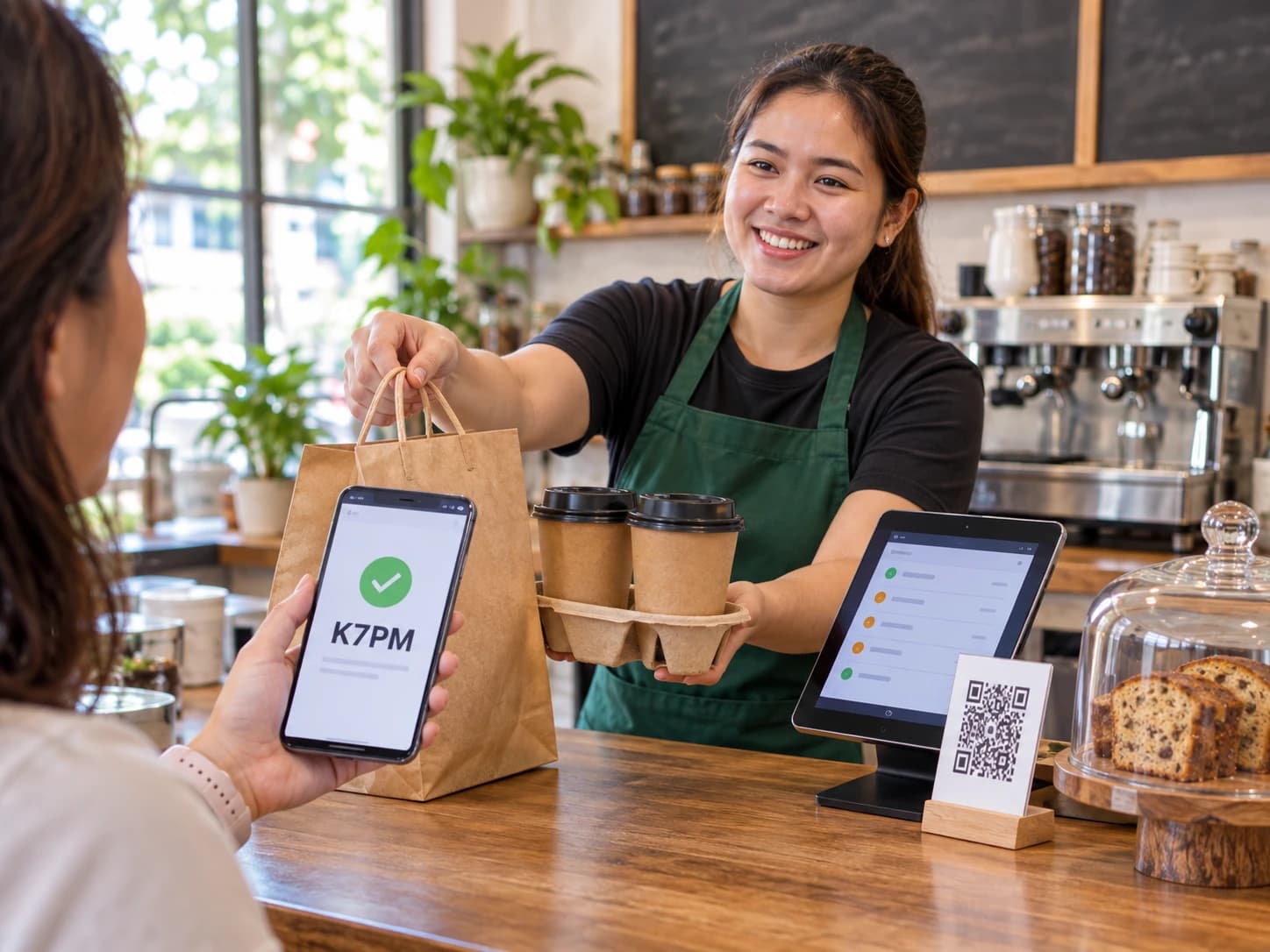
In short: search the marketplace for the food you want, narrow it to your town or to places near you, open a shop, add what you want, and choose pickup or delivery. Leave your name, email and mobile number, send the order, and you get a four-character order code by email. The shop confirms, and you show the code when you collect.
How do I order food online from a local café?
Open Kasenso Marketplace, tap Food & drinks, and search for what you want, such as "banana bread", or pick your town. Tap a café, add items to your order, choose pickup or delivery, and enter your name, email and mobile number. Send it, and you get an order code to show when you collect.
How do I find a café or food stall near me?
The marketplace narrows the list five ways, and you can mix them:
| Search by | What it finds |
|---|---|
| Words | Shop names, towns and the names of what they sell. "Banana bread" finds a café that has banana bread on its menu, whatever the café is called. |
| Kind of shop | Food & drinks, Shops (retail) or Services (salons, barbers, spas and the like). |
| What it is | Under Food & drinks: café & coffee, restaurant, fast food & takeaway, bakery & desserts, food stall & street food, drinks & juice bar, home kitchen and catering. |
| Town | Places in the town you pick. |
| Near me | Places within 5, 10, 25 or 50 km of where you are, nearest first. |
Each card shows the shop's photo, name, town and what kind of place it is, and the distance in a near-me search. Shops that show their opening hours also say whether they're Open or Closed right now. Nobody can pay to be shown first: without Near me, shops with a photo come first, then the rest in name order.
What will I see on the shop's page?
Tapping a card opens the shop's own page, with:
- the menu and prices, the same ones the shop rings up at its counter, so what you see online isn't an old copy;
- photos and details for items the shop has described, such as ingredients, allergens or how many it serves;
- sizes and add-ons, like a large coffee or an extra shot, with each choice's price;
- an About section at the bottom with the address, a map if the shop shows one, the opening times if the shop shows them, whether it delivers and where, and how you can pay.
Read the About section before you fill your order. It tells you if the shop delivers to your area, what that costs, and any cut-off, such as "orders after 8 PM are ready the next morning".
How do I place an order?
- Tap items to add them to your order. If something comes in sizes or with options, pick them first.
- Open your order and check it. Every choice is listed with its price.
- Choose Pickup or, if the shop delivers, Delivery. For delivery, pick your area and type your full address, with a landmark.
- Enter your name, email and mobile number. Some shops also ask for a chat app, such as WhatsApp.
- Choose how you'll pay (see below), and add a note if you want, such as "pickup around 6 PM".
- Send the order.
You then see Order sent! with your four-character order code, and the same code arrives by email under the shop's name, with what you ordered and the total. Keep that email: it's how you find the code again.
How much will my order cost?
The menu prices, plus the delivery fee for your area if you choose delivery. The total is worked out for you before you send. For example:
| Item | Price |
|---|---|
| 2 lattes at $4.50 | $9.00 |
| 1 banana bread | $3.25 |
| Pickup total | $12.25 |
| Delivery fee for your area | $2.00 |
| Delivery total | $14.25 |
There is no service fee from Kasenso on top. Each delivery area has its own fee, set by the shop, and the About section lists them all, so you know the fee before you start.
How do I pay for my order?
Each shop chooses what it offers, and you pick at checkout:
- At the store, when you collect, or On delivery, when it arrives.
- Pay online, if the shop takes e-wallet, QR or bank transfers. After you send the order, you see the exact total, the shop's QR code or account number, and your order code. Send the money from your own app, then upload a screenshot of the payment and, if you have it, the reference number.
Some shops ask everyone to pay online first, usually because food was cooked for orders nobody collected. The money goes straight from you to the shop; Kasenso never holds it, so any refund comes from the shop.
What happens after I send my order?
The order goes straight to the shop's till, and someone there confirms it. You can see where it is under Find my orders on the shop's page:
| You'll see | What it means |
|---|---|
| Waiting for the store | The shop hasn't answered yet. |
| Confirmed | The shop has accepted it and is making it. |
| Declined | The shop can't take it. If you paid online, contact the shop for your money back. |
| Picked up or Out for delivery | It has left the counter. |
For delivery, the shop contacts you to confirm the details, which is why a mobile number is always asked for.
How do I pick up my order?
Go to the counter and read out your order code, or give your name. The cashier finds your order, checks it with you, and takes payment if you didn't pay online. Once it's handed over, it can't be collected again with the same code, so nobody else can walk off with your lunch.
Frequently asked questions
What is Kasenso Marketplace?
Kasenso Marketplace is a free public page at kasenso.com/marketplace where you can find local cafés, bakeries, food stalls and shops to order from, and salons, barbers and spas to book. You search by what you want, your town or distance, then order or book on the shop's own page.
Does it cost anything to order through the marketplace?
No. Searching and ordering are free, and Kasenso adds no service fee. You pay the shop's own menu prices, plus the shop's delivery fee for your area if you choose delivery.
Do I need an account to order?
No. You don't sign up for anything. You give the shop your name, email and mobile number with each order. Checkout can remember them on your own phone for next time, at any Kasenso shop, and you can untick that on a shared phone.
Can I order when the café is closed?
The shop's page still lets you send an order, but nobody may see it until the shop opens, so it stays Waiting for the store. Check the opening times in the About section first, and add a note such as "pickup tomorrow at 9 AM" if you're ordering ahead.
What if I lose my order code?
Search your inbox for the shop's name: the confirmation email has the code. At the counter you can also just give your name, phone number or email, and the cashier can find your order without the code.
How do I change or cancel my order?
Contact the shop directly, by the phone number or chat button on its page. Your order goes to the shop, not to Kasenso, so only the shop can change or cancel it. Do it quickly, before it starts making your food.
How do I see my past orders?
Tap Find my orders on the shop's page and type the email you ordered with. You get a link by email that shows your orders with that shop and where each one is. The link lasts 30 days, and the phone you open it on remembers it.
Why isn't my favourite café on the marketplace?
A shop shows only if it has a Kasenso online store and has chosen to be listed. Shops that don't take online orders, or haven't switched listing on, aren't shown. If you run a café, you can list your shop.